
Piterfly 1.1.0
An alternative OS for the M-VAVE FM-1, built on SLOOP and its Felucca foundation. Tested on the physical FM-1 and accepted by the project owner.
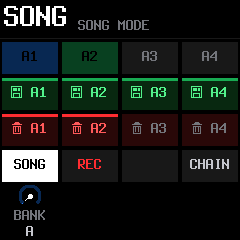
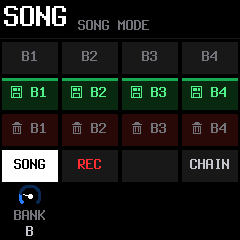
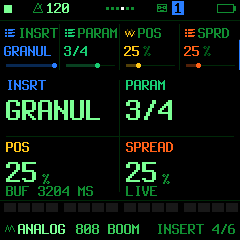
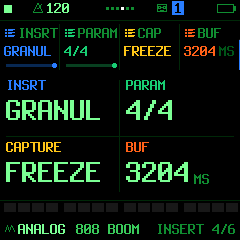
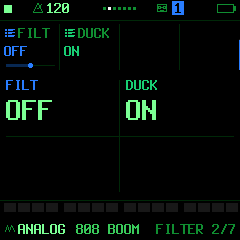
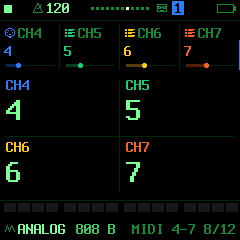
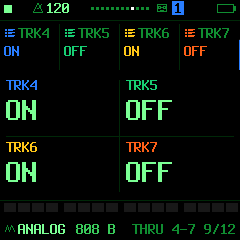
Illustrations reproduce the actual 240 × 240 FM-1 firmware screens with example music data; they are not photographs of the physical display.
Seven synth parts + dedicated drums
Four additional normal synth tracks: engines, presets, notes, effects and MIDI routing. Eight synth voices are shared across the seven parts; drums have their own voices.
See all 64 note steps
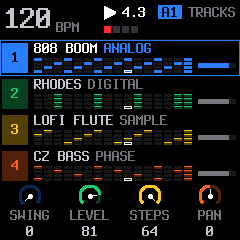
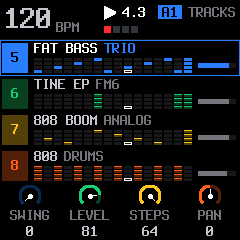
Full step views, distinct playback and edit cursors, track-coloured frames, recording indicators and page dots improve readability. The note-step capacity remains 64. PRESETS selects the track; ALGORITHM selects the sound.
24 pattern slots
Banks A1–F4 provide 24 complete pattern slots, up from four. Each pattern holds all eight tracks, sounds and mix.
Hold SAVE and turn KNOB 1: six banks A–F provide 24 pattern slots, four on each device screen. A1/A2 are occupied in this example; the other slots are empty.
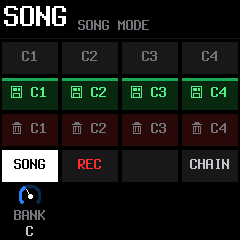
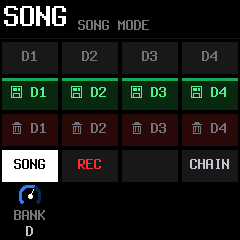
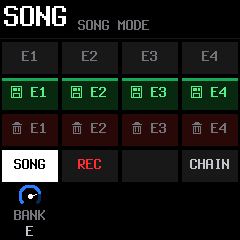
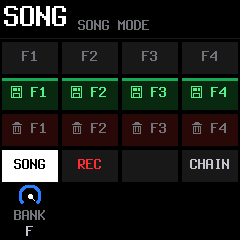
128 SONG positions
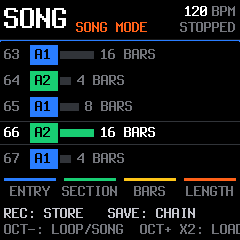
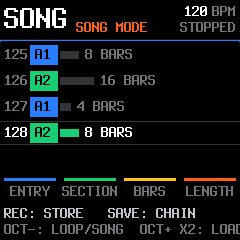
The device SONG page arranges up to 128 positions, up from 16. Each position selects a stored pattern for 1–64 bars. These screens show example positions 63–67 and 125–128 using A1/A2. SONG REC captures pattern switches and duration; quick CHAIN retains eight entries.
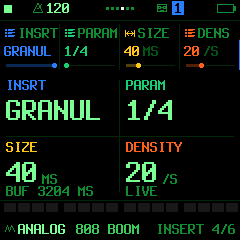
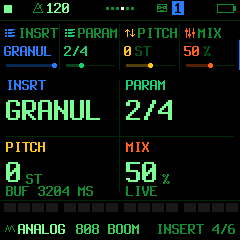
Live granular INSERT
Reshape live audio with SIZE/DENSITY, PITCH/MIX, POS/SPREAD and LIVE/FREEZE. Sound changes retain the active effect and frozen history. Work is balanced across both processor cores. MIX 0 pauses capture and keeps earlier history. BUF displays the available duration.
Selective kick ducking
FX → FILTER → DUCK enables or disables kick-driven ducking for each synth part. MASTER → DUCK sets the overall depth. Let chords breathe while your lead stays in front.
MIDI THRU: add a physical instrument
Forward incoming Note On/Off and velocity per track to an external synth such as the Behringer D MINI. For USB, use a computer or MIDI host. MIDI carries notes; connect FM-1 and D MINI audio separately to your mixer. CC, sustain and pitch bend are not forwarded.
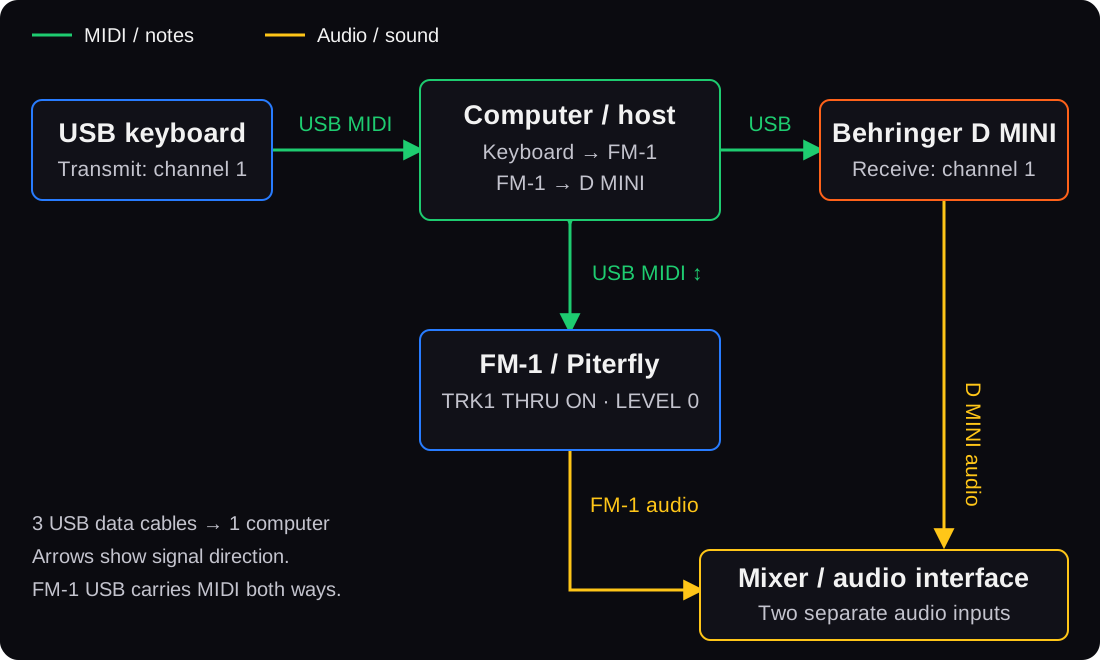
- Connect the keyboard, FM-1 and D MINI separately to the computer by USB, directly or through a data hub. Keep a MIDI router such as MidiPipe running: keyboard → FM-1, then FM-1 → D MINI. Avoid a parallel keyboard → D MINI route that would duplicate notes.
- For this channel-1 example, set the keyboard transmit channel, FM-1 CH1 and D MINI receive channel to 1. On FM-1, use IN = NOTES, TRK1 THRU = ON and track 1 LEVEL = 0. Enable OUT = SEQ to play recorded patterns on D MINI too. Tracks 2–7 and drums remain available for internal sounds.
- Connect the FM-1 audio output and D MINI audio output to separate mixer or audio-interface inputs. D MINI enriches the combined sound with its own synthesis; its audio does not pass through FM-1 GRANUL or DUCK.
FM-1 + Behringer D MINI setup guide →
Storage and migration
Back up before upgrading. USR1 retains 80 KiB for samples; USR2/3/4 hold patterns. Factory samples and SYN1–SYN4 remain available. FUN9 projects import FUN1–FUN7, move the old drum part to track 8 and start the added synth parts empty. Live granular audio history is temporary.